

Mini split error codes and blinking lights are the unit's own self-check telling you which part failed: a temperature sensor, a fan motor, a pressure limit or the wire linking the indoor head to the outdoor unit. Write down the exact pattern, look it up in your model's manual, try one power reset, and call if the code returns.
The codes look cryptic, but they follow a simple idea. Every time the system runs, its control boards check sensors, motors, pressures and that communication link. When one of those checks fails, the unit stops or limits itself and reports the failure, either by flashing a light in a pattern or by showing letters and numbers on the display.
The catch is that every brand uses its own language. A code that points to a sensor on one unit can mean something else entirely on another. So instead of a code table that may not match your system, this guide explains how the signals work, how to find the right meaning for your model, and what to do next.
Blink counts versus display codes
Ductless units report faults in one of two ways, and some use both.
Light-only units blink an indicator LED (often labeled Run, Timer or Operation) in a pattern. You count the flashes between pauses. Five blinks, a pause, and five more blinks is one code, distinct from three blinks and a pause.
Display units show a short code such as a letter followed by a number on the front of the indoor head. Many DIY-friendly models, including the Mr Cool units popular in the Valley, use an indoor display this way. The outdoor unit may also have its own small LED on the control board that blinks a separate code, visible only with the service panel off.
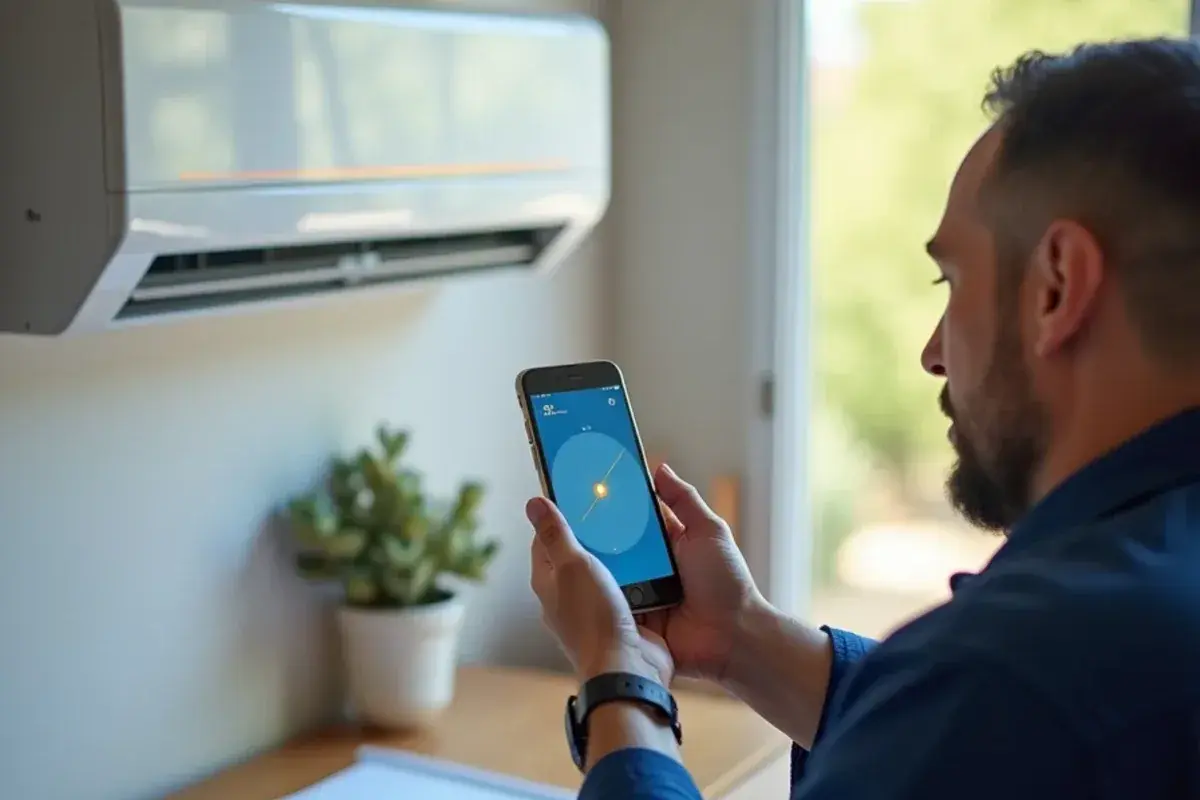
Write down exactly what you see: which light, how many flashes, how long the pause, and what mode the unit was in. That one note saves a lot of time on a service call.
Finding the code meaning for your exact model
Your owner's manual almost always has a troubleshooting table near the back. If it is long gone, find the model number. On most indoor heads it is on a label under the front cover or on the right side; on the outdoor unit it is on the side or back panel. Search the manufacturer's website for that model and download the owner's or service manual.
Some brands also let you pull a stored code from the remote control, usually by holding a button or pressing a sequence while pointing at the head. The manual explains the sequence if your model supports it. Avoid generic code charts from forums, because similar-looking units from different factories use different numbering.
What the main families of codes usually mean
While the exact numbers vary, most manuals group faults into a few families. Knowing the family tells you how serious the problem is.
| Code family | What the unit is reporting | Common causes | Homeowner action |
|---|---|---|---|
| Communication | Indoor and outdoor boards cannot talk to each other | Loose or damaged interconnect wire, power loss to one unit, board failure | One power reset, then call |
| Sensor | A temperature sensor (thermistor) reads out of range | Failed or unplugged sensor, corroded connector | Call for diagnosis |
| Protection trip | Unit shut itself off to prevent damage | Very dirty coils or filters, blocked condenser, low refrigerant, high outdoor heat | Clean filters, clear around condenser, reset once |
| Fan motor | Indoor or outdoor fan not turning at the right speed | Seized motor, debris in the blower wheel, failed board output | Call; do not keep restarting |
| Drain or float | Water level high in the drain pan (on models with a float) | Clogged condensate line, slime in the pan | Shut off and call before water leaks |
| Status light | Not a fault: defrost, preheat, timer or filter reminder | Normal operation | Check the manual before worrying |
In dusty Starr County summers, protection trips tied to dirty filters and packed condenser coils are among the most common reasons a head stops cooling. They also tend to come back quickly if the cause is not cleaned up.
A safe reset, step by step
A reset clears a stored fault and restarts the boards. It is worth trying once, and only once, before calling.
- Turn the unit off with the remote.
- Switch off the breaker for the mini-split, or pull the outdoor disconnect.
- Wait at least five minutes so the boards fully power down.
- Clean or rinse the indoor filters while you wait, and make sure nothing is blocking the outdoor unit.
- Restore power and turn the unit on in cooling mode. Many units wait a few minutes before the compressor starts, so give it time.
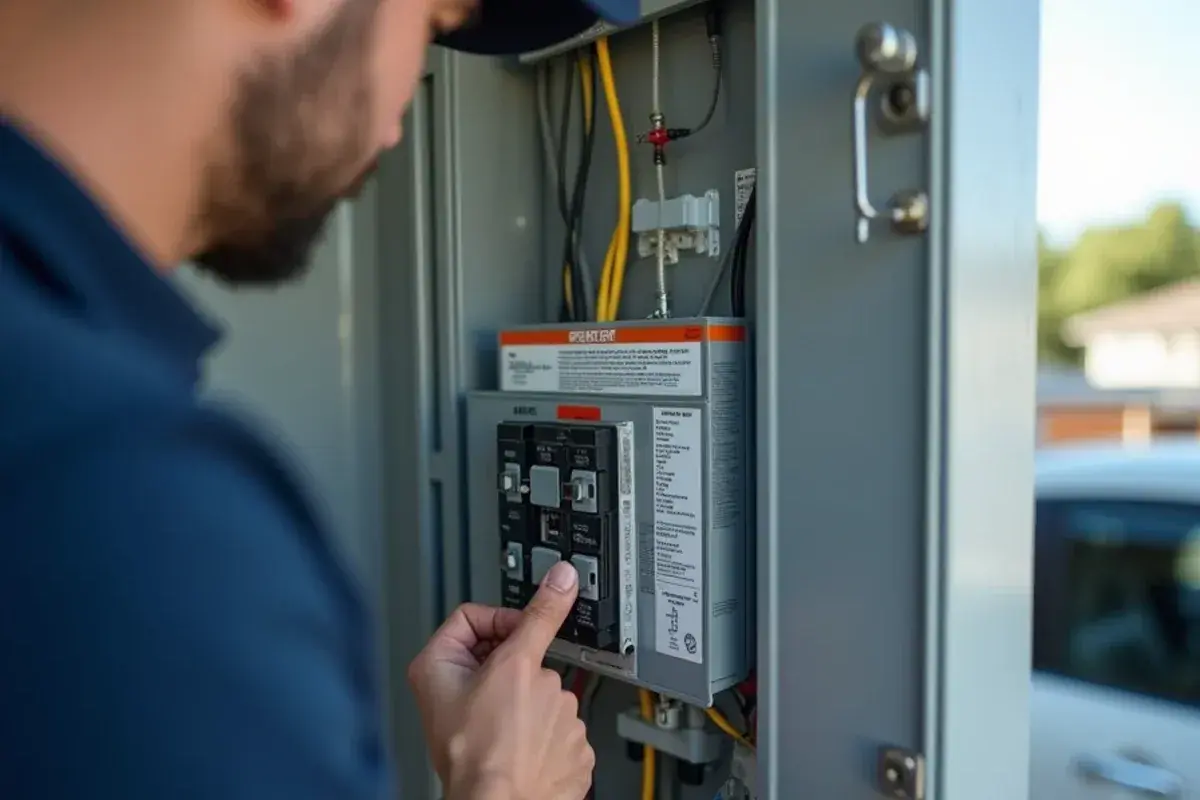
If the same code returns within an hour or a day, the reset only cleared the symptom. Repeated resets on a protection or fan fault risk turning a modest fix into a new board or compressor.
Stay out of the boards
Mini-split control boards contain capacitors that can hold a dangerous charge after the power is off. Do not remove covers or touch wiring inside the indoor or outdoor unit. Leave board-level testing to a technician.When a code means it is time for repair
Call for mini-split repair when:
- The same code comes back after one clean reset
- You see a communication, sensor or fan motor code
- The head is blinking and leaking water at the same time
- You smell burning or hear clicking from the outdoor unit
- The unit stopped after a storm, surge or power flicker
A technician will read the code, then confirm it with measurements, because a code points to a circuit, not always to the failed part. A sensor code, for example, can come from the sensor, its connector or the board reading it.
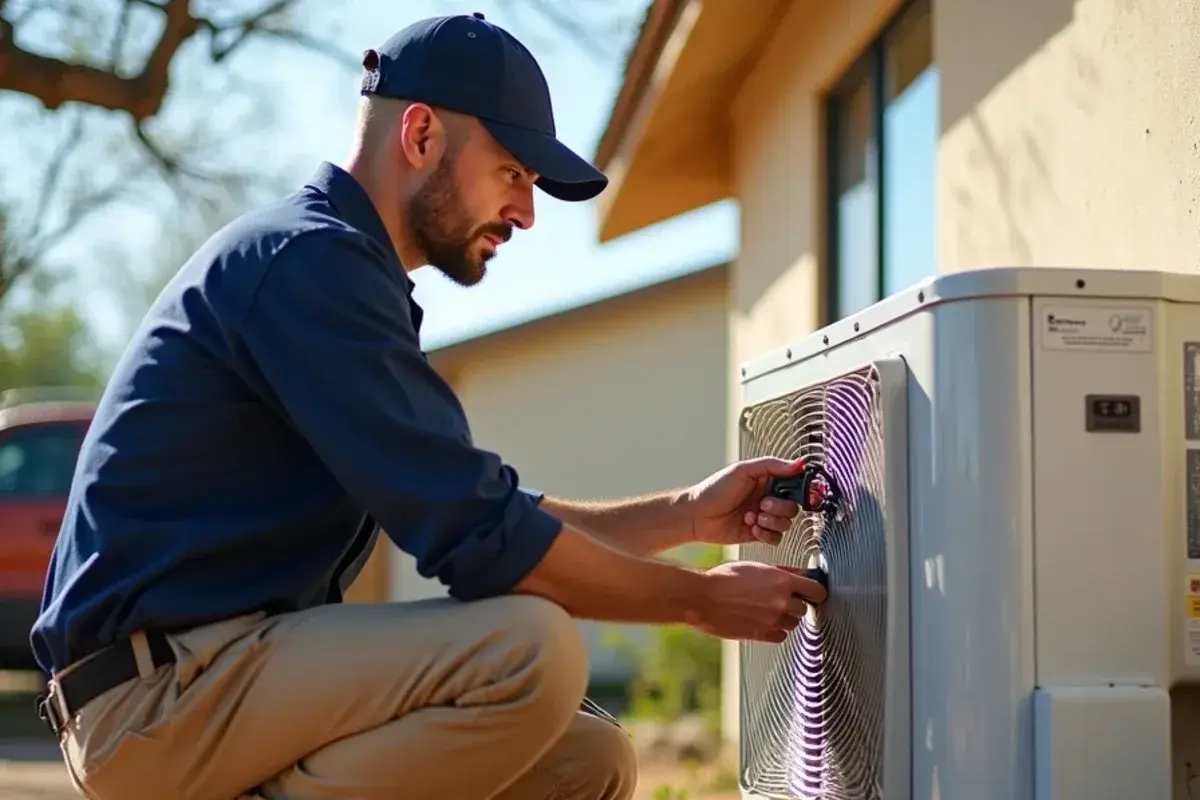
We carry common parts for service calls in outlying areas such as Valle Vista and along US-83 toward Roma, so many repairs can be finished in one trip when the part is on the truck. Our ductless mini-split page covers the service and cleaning side as well.
What the code does not tell you: how a technician reads it
A code narrows the search to one circuit. It rarely names the failed part, and that gap is where most wasted money on mini-split repairs comes from. Swapping a board because the manual says "board fault" can cost a lot and fix nothing. This is roughly the order a technician works through.
- Supply voltage first. A unit fed low or unsteady power can throw communication or protection codes that look like a failed board. The meter reading at the outdoor disconnect comes before anything else.
- The interconnect wire. On communication faults, the cable between the indoor and outdoor units is the usual suspect: a loose screw terminal, wires landed on the wrong numbers, a splice buried in the wall, or a cable chewed or pinched along the run. Faults like this are common on self-installed units, where the wiring step gets the least attention.
- Sensors measured, not guessed. A thermistor is a small sensor whose resistance changes with temperature. The service manual lists what it should read at a given temperature, so a meter reading shows whether the sensor, its plug or the board is at fault.
- Refrigerant clues behind protection codes. Low charge often shows up as a protection trip or a coil-temperature code, not a "low refrigerant" message. Gauges and line temperatures confirm it, and a leak has to be found before any refrigerant is added.
- Stored history. Many boards keep a record of recent faults. Two or three different codes in a row can point to one shared cause, such as a weak power supply after a storm.
An honest trade-off: on an older unit or an online brand with hard-to-find parts, a failed inverter board can cost enough that replacing the system is worth pricing alongside the repair. You should hear both options before anything is ordered.
Before you pick up the phone
Have the brand, model number, the exact code or blink pattern, the mode the unit was in and when it started. Note whether the filters were recently cleaned and whether there was a storm or outage. With that information, the visit starts with a likely cause instead of a guess, and you will know whether the head simply needed a reset or whether a part has failed. When the light keeps flashing, call us at (213) 423-7827 with the brand, the code and your town, and we will tell you what we would check first.